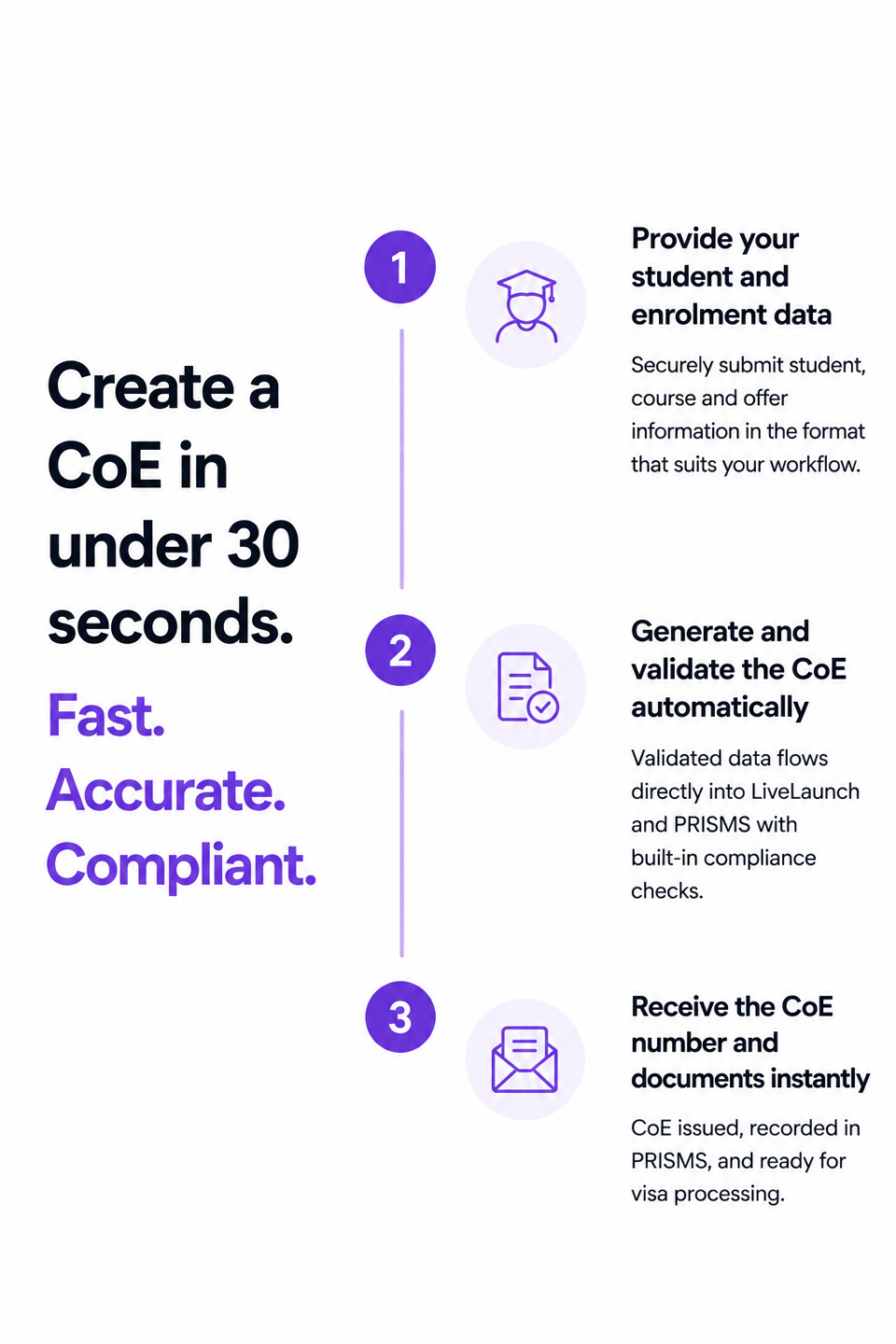
Accelerate your admissions process with our intelligent CoE module. Create confirmation of enrolment documents in seconds and streamline student adminsitraiton
Choose how you submit your student and enrolment data.
Email - copy in LiveLaunch on your offer email and we'll extract and validate student and enrolment data.
Data Upload - Drag and drop letters of offer and supporting documents into LiveLaunch to create your CoE.
Data Import - Upload excel or csv files for large scale processesing CoEs in minutes.
API - Sync directly with your Student Management System visa our secure APIs.
Manual - Full PRISMS - aligned data entry for exceptional or one-off cases.
The LiveLaunch platform offers powerful tools to support your registrations team throughout the enrolment process
Unique Student and Agent IDs
Search for existing students and agents with confidence. Using LiveLaunch eliminates the duplication of agent and student records, strengthens data integrity and ensures accurate reporting.
Direct Integration with your current system
LiveLanch integrates directly with your Student Management System removing the need for re-keying and manual reconciliation while reducing data errors and inconsistencies.
Visa Status Updates in Real Time
Once a CoE is created, LiveLaunch will automatically updated the CoE status to indicate visa lodgement and visa issue. Real-time updates support better class planning and enrolment decision-making.
Bulk CoE Actions
Create, update and cancel multiple CoEs in a single workflow. Then distribute CoEs to students and agent in a single action. Designed for peak intake period to alleviate administrative bottlenecks and accelerate visa applications
Flexible Data Submission
LiveLaunch can receive CoE several ways. From a simple email to excel upload or just the manually entering data, LiveLaunch adapts to your existing processes.
CoE updates and cancellations
Once CoEs have been created Student Course Variations (SCVs) can be managed within the system allowing updates and cancellations to the managed with ease.
How to connect to PRISM API
As a recognised PRISMS-integrated software provider, LiveLaunch allows CRICOS education providers to access PRISMS functionality directly from LiveLaunch.
Access live PRISMS data across all CRICOS registrations from one dashbaord. Monitor CoE issuance, track capacity limits, manage SCVs and maintain real-time compliance oversight.
Generating and managing CoEs has never been easier
Access LiveLaunch's CoE module and transform your back office.
Ready to get started with LiveLaunch?
Access LiveLaunch's CoE module and transform your back office. Your employees will thank you.